 Connection Examples


|
|
|
|
|
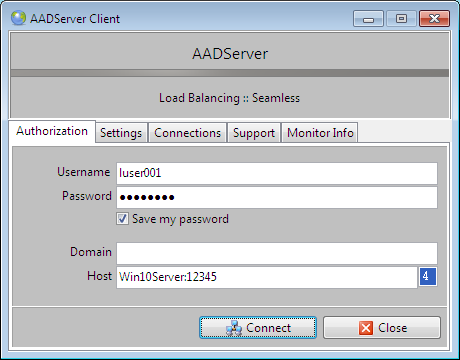
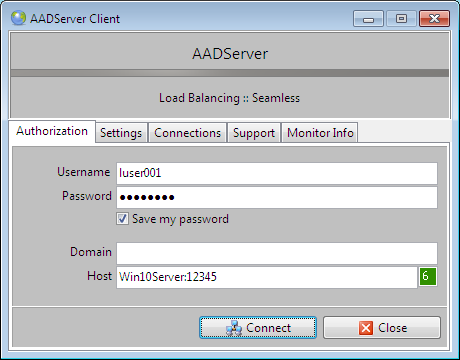
| Hostname | Win10Server |
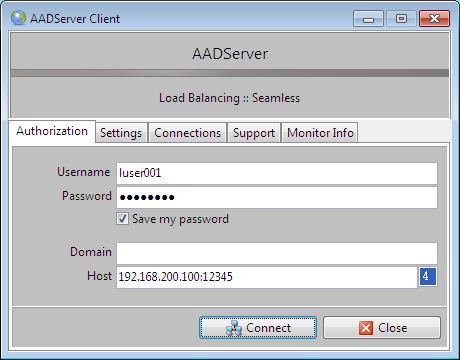
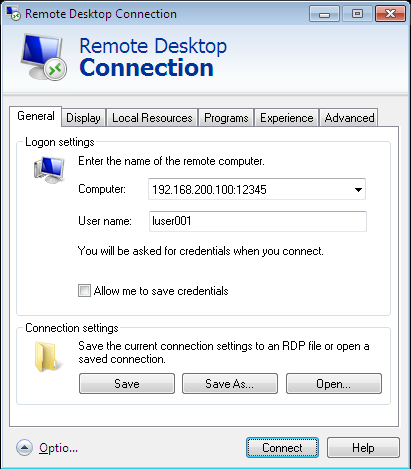
| IPv4 address | 192.168.200.100 |
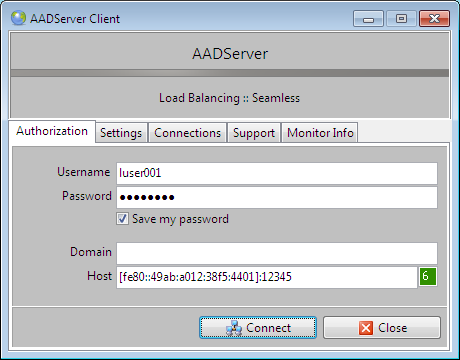
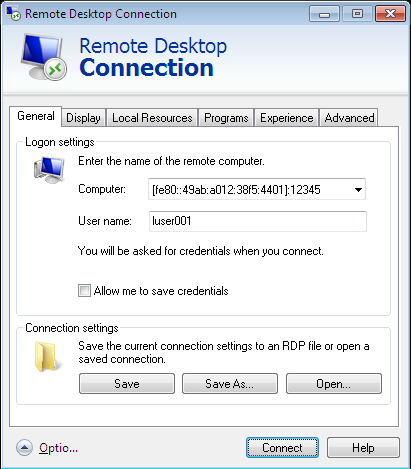
| IPv6 address | fe80::49ab:a012:38f5:4401 |
| Portnumber RDP | 12345 |
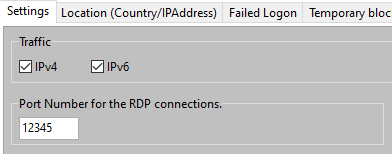
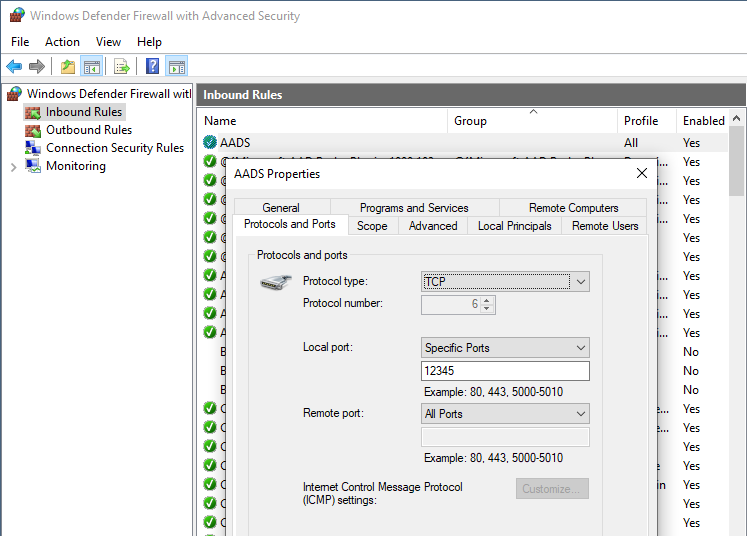

For these examples, the hosts file is used on the Client PC such that the servername Win10Server can be resolved by the Client PC. Usually resolving DNS names is not done by editing the hosts file on each Client PC, but is done otherwise.
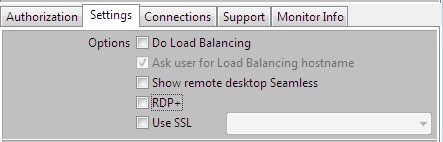
Note: When DNS is used to connect to a Server, it might happen that the selection for IPv4 or IPv6 in the Client is "over-ruled" by the response of the DNS Server. For example, If the DNS Server "only" replies with an IPv4 address for the Server, then the Client might attempt to connect using IPv4, and ignore the setting for IPv6.
 |
|
 |
|
 |
|
 |
|
 |
|
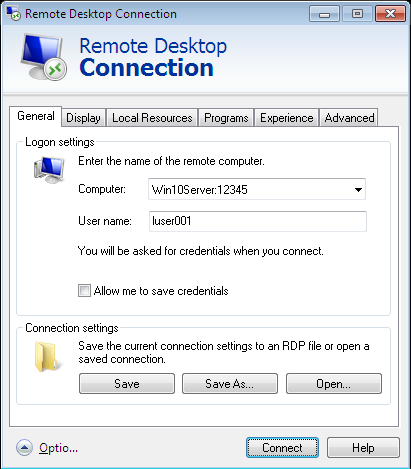 |
The Microsoft RDP Client has no explicite setting for IPv4 or IPv6
|
 |
|
Not all possible combinations of RDP, IPv4, IPv6, DNS are shown in these examples.
However, when viewing these examples, it should be understood how it works...
|
© 2012-2024 AADS WorldWide. Terminal Server | Application Server | Remote Desktop solutions | Firewall |
|
|
|