 $aad Desktop Theme


|
|
|
|
|
$aad Desktop Theme is available on:

Apply this Directive to an user or group:
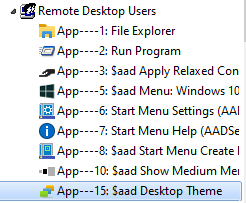
When the user does a login, the selected Theme will we applied to the desktop of the user.
From a performance point of view, it is recommended to turn off Themes.
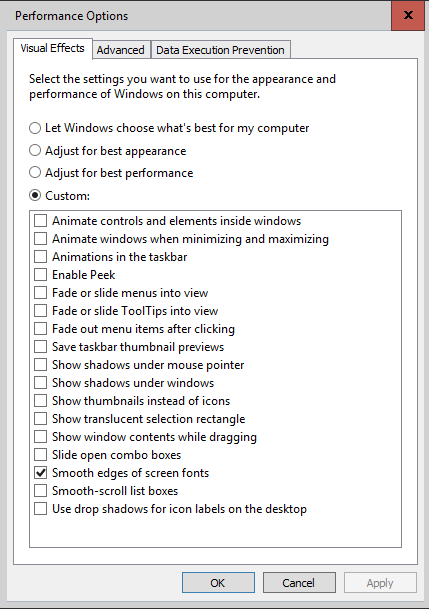
Turn off Themes can be done on the Server, by de-selecting all options.
It is recommended to select "Smooth edges of screen fonts" because of readability.

Turn off Themes can also be done on the RDP Client.
In case of Windows 10, themes are always applied to the look-and-feel of each Window on the Desktop of the user.
However, from a performance point of view, it is still useful to "turn off themes", because several aspects of those themes are turned off, like a "shadow" around each Window. And this will improve the performance of the Remote Desktop Session.
When Themes are turned off, the default Windows 10 can be perceived as "un-clear" because the border of Windows is only 1 pixel. Because of that, AADS installs 3 themes with a sizeable border:


|
© 2012-2024 AADS WorldWide. Terminal Server | Application Server | Remote Desktop solutions | Firewall |
|
|
|