 Installation


|
|
|
|
|
The AADS Terminal Server Setup program is either call AADServer**Demo.exe or AADServer**Full.exe. The ** denotes the AADS Terminal Server version you are installing.
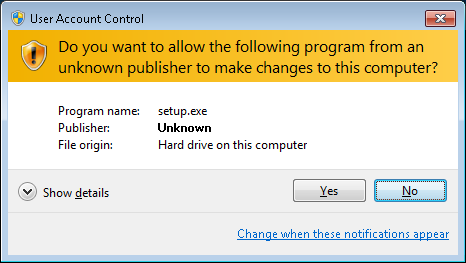
Only an user with Elevated Administrator access on the system can install the AADS Terminal Server software.
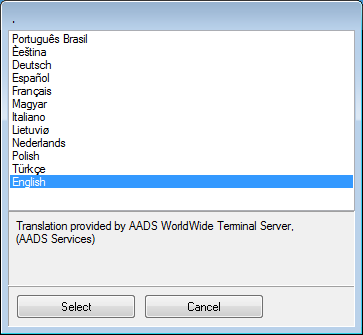
Select the desired language. AADS will be installed with the selected language.
The selected language will also be included when generating a Client Build for RDP.
In the first screen of the “Demo Version” you are requested to read the License Terms of Use and acknowledge them. The Demo version also contains a "Check for Update" button in the first screen:

Before your proceed with the installation of AADS Terminal Server Demo, be sure to check that you are installing the latest version.
AADS Terminal Server Demo will run for 60 days. After 60 days it is not possible any more to login using a Remote Desktop Session; login is only possible using the console of the AADS Terminal Server.
In the first screen of the "Paid, Full version" you are requested to enter your license code. The AADS License Numbers has 2 formats:
When you are installing AADS Full, you will need to enter the License Number in the 12 position format.
After the installation of AADS Terminal Server Full, AADS Maintenance Control will show you the License Number in the 18 position format.
When you are installing AADS Demo, there is no need for entering a License Number.
After the installation of AADS Terminal Server Demo, AADS Maintenance Control will show you "Demo" as the License Number.
You are also requested to read the terms of use and acknowledge them.
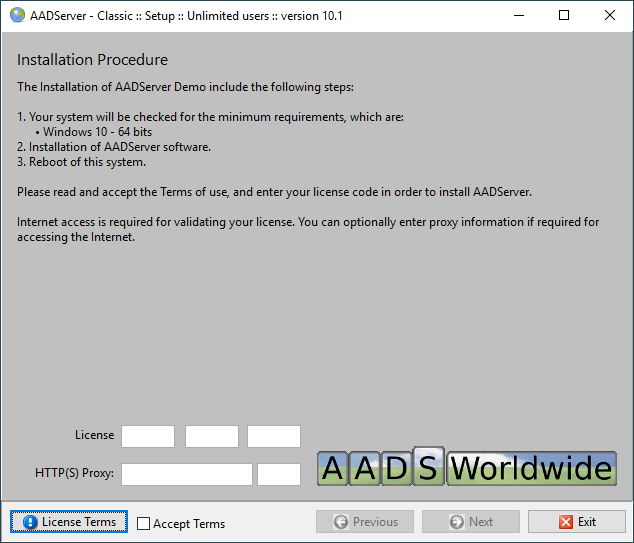
After entering you license code and the acknowledgement of the Terms of Use, the Next-button becomes available.
HTTP(S) Port 80/443
A HTTP(s)-request and reply is sent to our License Servers in order to validate your license. AADS Terminal Server Setup behaves like a browser when contacting the License Servers.
Optional you can specify a IPv4 HTTP(S)-Proxy server (IPv6 Proxy is not supported...)
The proxy server is used for sending the License Request.

The AADS Terminal Server Setup program checks whether or not the installation of AADS Terminal Server is possible:
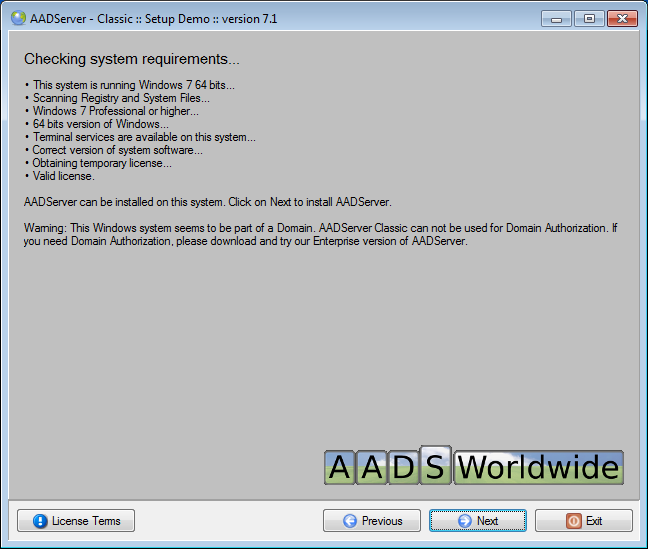
When the Setup program detects that this Windows System is part of a Domain, it will remove it from the Domain. AADS Small can only be used on stand-alone servers.
AADS Enterprise can handle Domains.
In case it is possible, you can click on Next in order to install AADS Terminal Server.
If you click on Exit now, nothing will be installed.
The AADS Terminal Server software is installed In a couple of steps.
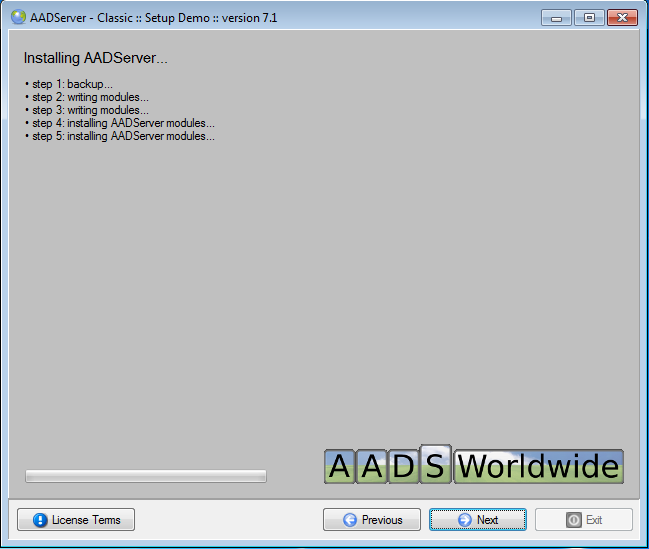
The software is installed:
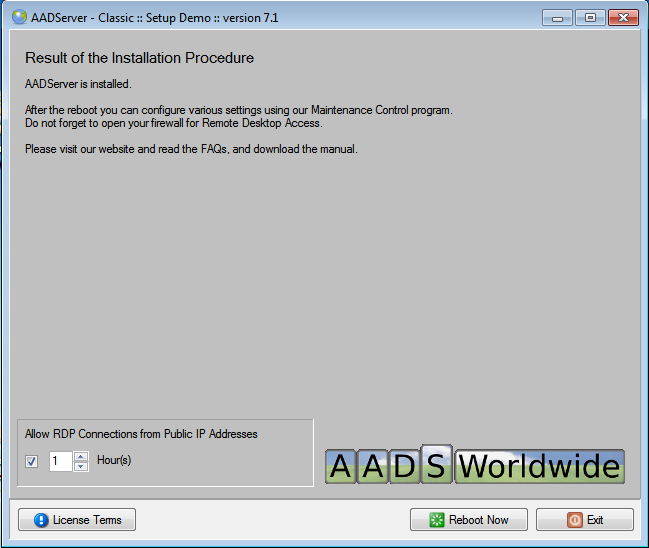
You are one reboot away from using your AADS Terminal Server.
Default setting for the built-in RDP FireWall is that RDP connections from public IP Addresses to the AADS Terminal Server are blocked. However, because the Administrator is busy with installing and configuring AADS, it might be required to temporary allow RDP Connections from Public IP Addresses. Default it is possible to access the AADS Terminal Server from public IP Addresses for 1 hour after the reboot. The Administrator who is installing AADS can change this to a maximum for the next 48 hours.
|
© 2012-2024 AADS WorldWide. Terminal Server | Application Server | Remote Desktop solutions | Firewall |
|
|
|