 Restore


|
|
|
|
|
The first step is to select a Backup-File. When a Backup-File is selected, depending on the contents of the Backup-File, the Restore-options will be enabled:
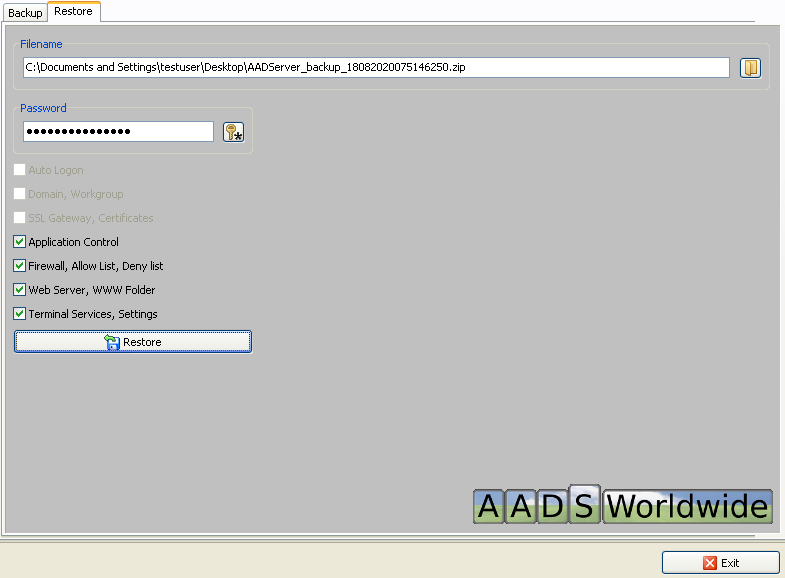
Note: after a Restore, it might happen that AADS Maintenance Control does restart itself.
When the Backup-File is protected with a password, it will be required to enter the Password, before any Restore option becomes available.
It is strongly recommended that after a Restore, the Administrator uses AADS Maintenance Control, and checks if all settings are OK, because, for example:
The Backup-File might be 1 year old. Therefore it might contain settings that are not expected anymore. For example, it might contain www-pages that are 1 year old and are out-dated. Or it might contain Application Control settings for applications that are not being used or installed anymore on the AADServer.
|
© 2012-2024 AADS WorldWide. Terminal Server | Application Server | Remote Desktop solutions | Firewall |
|
|
|